AI Based Design
Neural Rendering: AI Photoreal Visualization in 2026
Neural rendering and real-time AI now turn architectural and interior concepts into photoreal visuals in minutes. Here is what it means for design teams.

From Slow Renders to Instant Visuals
For most of its history, architectural and interior visualization has been a waiting game. A designer would build a model, set up lighting and materials, and then hand the scene to a render engine that could take hours to resolve a single high-quality frame. Iteration was expensive, so many creative decisions were made on faith rather than sight. Clients often signed off on projects they could only partially imagine.
Neural rendering is changing that rhythm. Instead of tracing every ray of light through a scene by brute force, neural techniques use trained models to predict how a space should look, filling in lighting, texture, and atmosphere almost instantly. The result is a visualization workflow where designers see photoreal results in the moment they make a change, rather than at the end of a long overnight batch.
This shift is not just about speed. When feedback is immediate, the entire creative process changes shape. Designers explore more options, catch mistakes earlier, and bring clients into the room as active participants rather than passive reviewers waiting for the next presentation.
What Neural Rendering Actually Does
The term covers a family of methods rather than a single tool. Some approaches reconstruct a full three-dimensional scene from a handful of photographs, letting you fly a virtual camera through a space that was never fully modeled. Others take a rough draft render or a simple massing model and enhance it into a polished, believable image while respecting the original geometry and design intent.
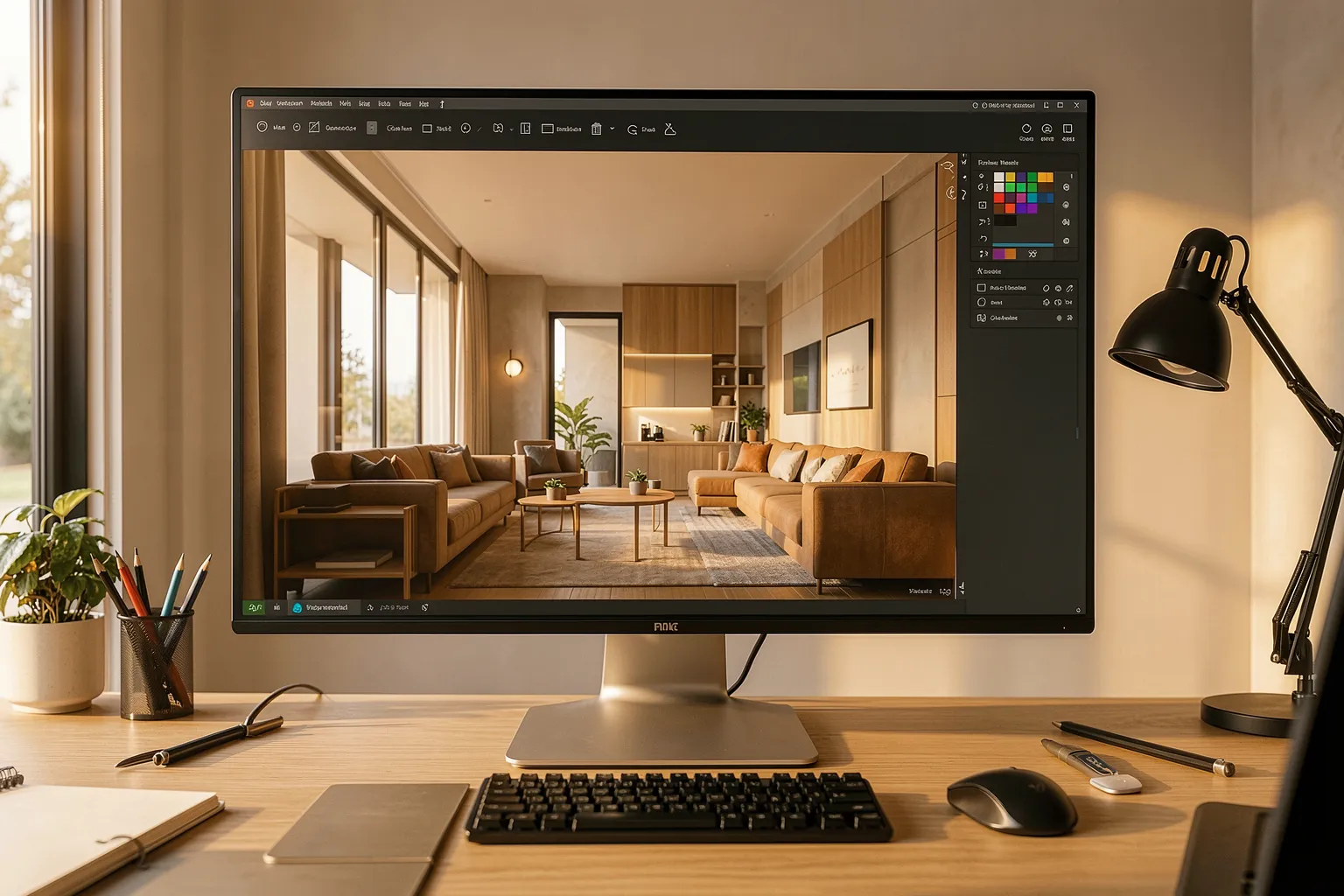
What these methods share is a reliance on learned priors. The model has effectively studied how light behaves, how materials reflect, and how real interiors are composed, so it can produce convincing detail without simulating every physical interaction. That is why a neural pipeline can turn a flat, unfinished draft into a warm, naturally lit room in seconds instead of hours.
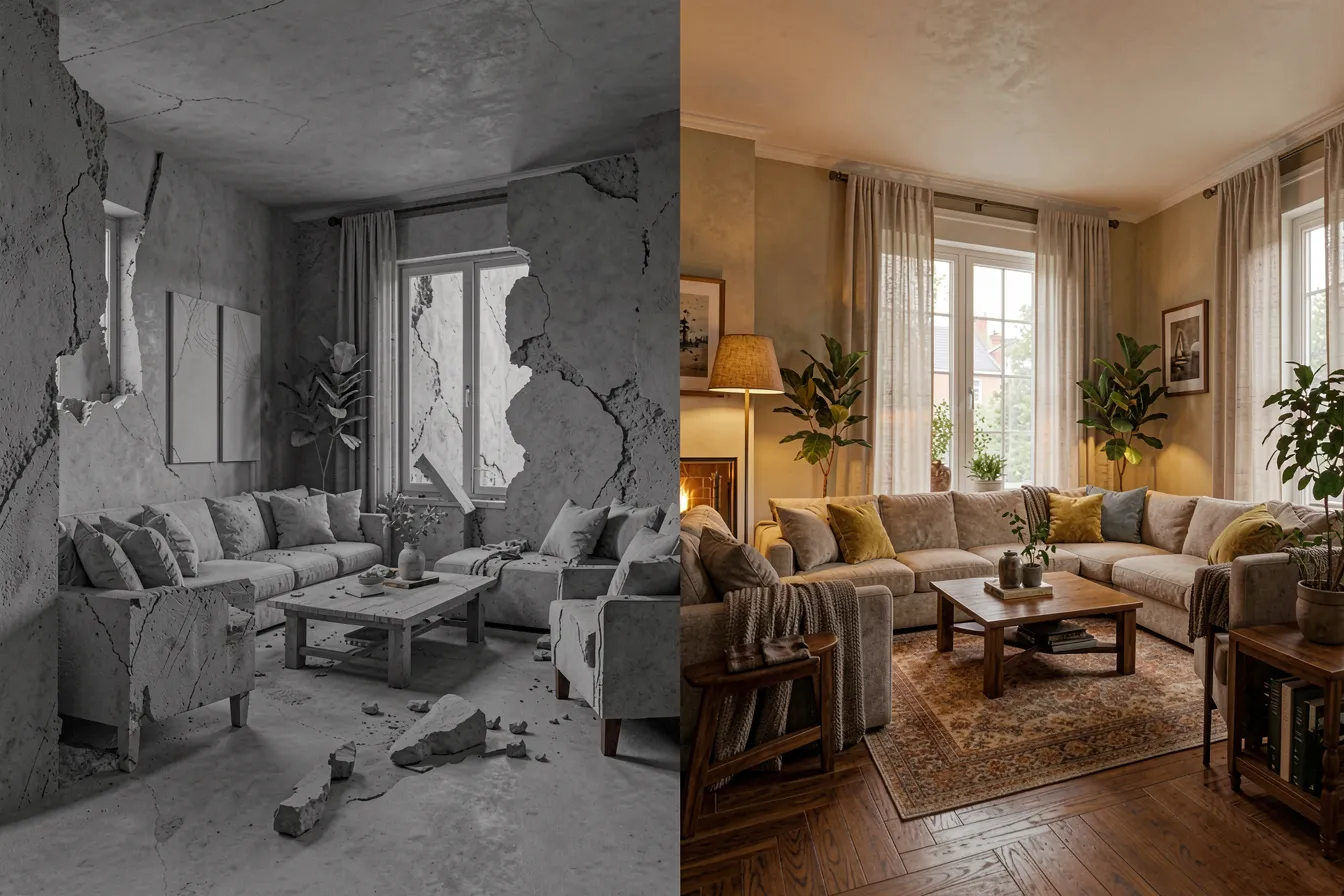
For practitioners, the practical benefit is control with less setup. You no longer need to hand-place dozens of lights or tune material parameters endlessly to get a plausible result. You guide the model with a scene, a reference, and a description, and it handles the heavy lifting of making the image feel real.
Why It Matters for Design Teams
The most immediate impact is on iteration speed. When a material swap or a lighting change appears instantly, designers stop rationing their experiments. They can test a dozen palettes over lunch instead of committing to one and hoping. That freedom tends to produce better, more considered work, because the cost of curiosity drops close to zero.
The second impact is on communication. A photoreal visualization is far easier for a non-specialist client to read than a technical drawing or a gray massing model. Neural rendering makes it feasible to generate several polished options for a single meeting, so conversations move from abstract debate to concrete choices between things people can actually see.
- Faster concept exploration — more variations tested in the early, cheap-to-change phase.
- Clearer client presentations — photoreal images that read instantly, reducing misunderstandings.
- Lower hardware barriers — many neural pipelines run without a farm of dedicated render machines.
- Tighter feedback loops — design and visualization stop being separate stages and merge into one.
Where the Limits Still Are
Neural rendering is powerful, but it is not magic, and treating it as such invites trouble. Because these models predict rather than simulate, they can quietly invent details that were never in the design. A reflection might land in the wrong place, a material might read differently than specified, or proportions can drift if the model is given too much freedom. For marketing imagery this is often acceptable; for construction documentation it is not.
The professional discipline, then, is knowing when accuracy is negotiable and when it is sacred. Mood boards, early concepts, and atmosphere studies are natural fits for looser, faster neural output. Final approval renders, spatial coordination, and anything a contractor will build from still demand tools that respect exact geometry. The best teams use neural rendering to accelerate exploration and reserve traditional, physically based rendering for the moments that must be exact.
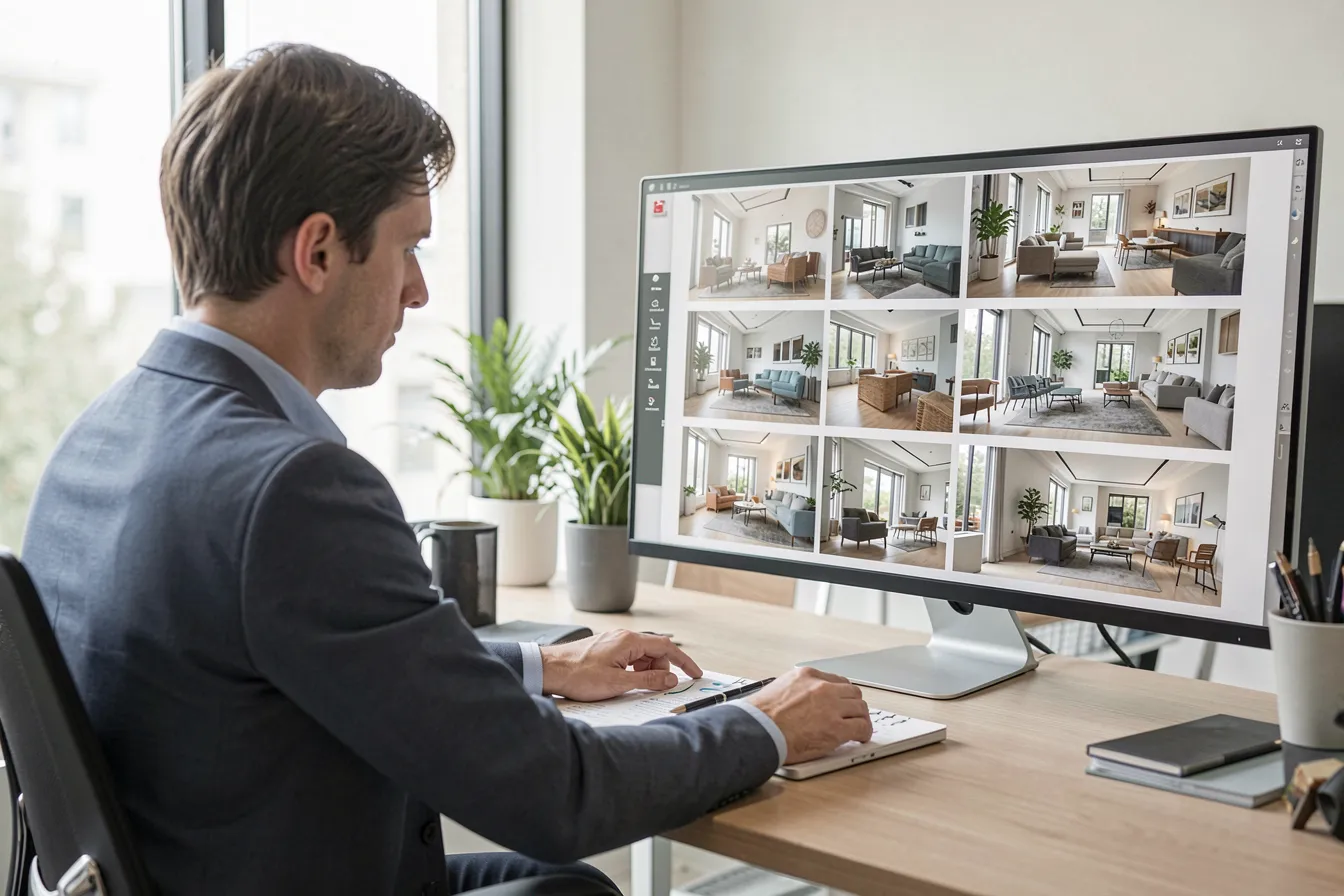
There is also a workflow cost to manage. Adopting these tools means rethinking asset pipelines, agreeing on where AI output is allowed, and training staff to review images critically rather than trusting a pretty result. The technology removes friction, but it adds a new responsibility: verifying that what looks convincing is also correct.
How to Start Adopting It
You do not need to overhaul your studio overnight. The lowest-risk entry point is early-stage ideation, where speed matters more than precision and errors carry little consequence. Pick a single upcoming project, use a neural tool to generate concept variations, and compare the experience against your usual process. Keep the outputs internal until the team trusts them.
From there, expand deliberately. Document which stages benefit from neural rendering and which still require your established engine. Build a simple review checklist so no AI-enhanced image reaches a client without a human confirming its materials, proportions, and lighting are honest to the design. Handled this way, neural rendering becomes a reliable accelerator rather than an unpredictable gamble.
Frequently Asked Questions
Is neural rendering going to replace traditional render engines?
Not in the near term. Neural methods excel at speed and early exploration, but physically based engines remain the reference for accuracy and for images tied directly to construction. The practical future is hybrid: neural tools for fast iteration and concept work, traditional rendering for final, exact deliverables. Most mature studios will run both side by side.
Do I need expensive hardware to use it?
Often less than you might expect. Many neural rendering services run in the cloud, shifting the heavy computation off your local machines, and even on-device tools tend to be lighter than a full ray-traced simulation. This lowers the barrier for smaller studios, though a capable graphics card still helps for interactive, real-time work.
How do I keep AI-generated visuals from misrepresenting a design?
Treat every neural output as a draft that needs review, not a finished truth. Give the model a solid base scene rather than a vague prompt, constrain it to respect your geometry, and have a person verify materials, dimensions, and lighting before anything goes to a client. Reserve strict, physically accurate rendering for documents that will be built from.
The Bottom Line
Neural rendering is quietly rewriting how spaces are visualized, collapsing the gap between a design decision and seeing its result. For studios willing to adopt it thoughtfully, it means more exploration, clearer communication, and less time lost to waiting. The winners will not be those who use AI most aggressively, but those who pair its speed with the judgment to know when a beautiful image also needs to be a truthful one.
If you want to see how fast photoreal visualization can be, explore the AI-powered design tools at Pixintellect and put a concept in front of a client this week instead of next month.